Three.js examples & lessons
Learn one 3D concept at a time. Read the scene, run it, and change something you can see. Each lesson includes editable code, an explanation, and a concrete challenge.
Your first five scenes
From one mesh to a scene with hierarchy, camera controls, and real shadows.
15 of 15 lessons
Foundations
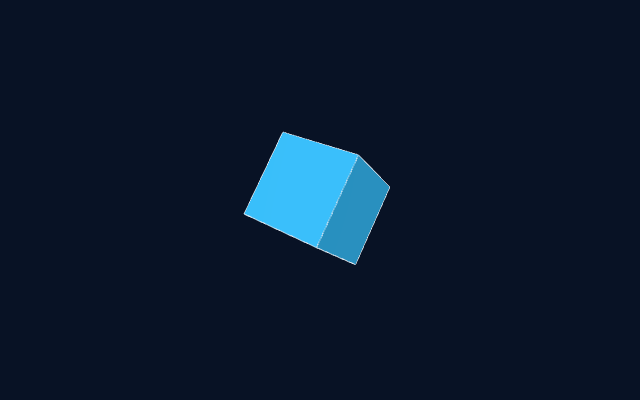
Rotating Cube
Build your first mesh and animate its rotation with elapsed time.
Open lesson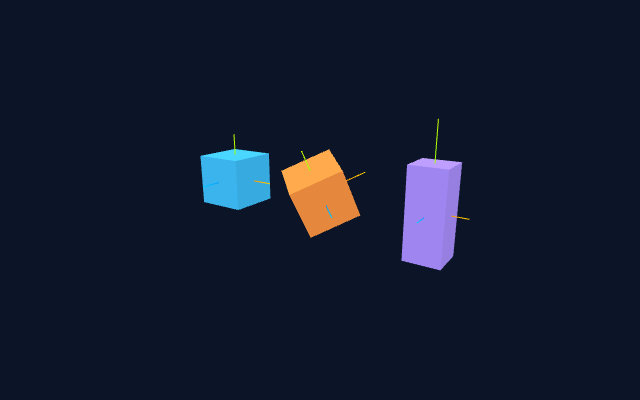
Foundations
Position, Rotation & Scale
Compare three meshes that share geometry but use different local transforms.
Open lesson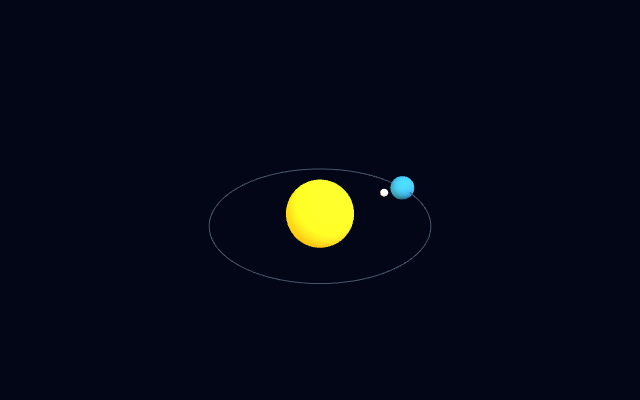
Foundations
Solar System
Use nested groups to separate a planet's orbit from a moon's local orbit.
Open lesson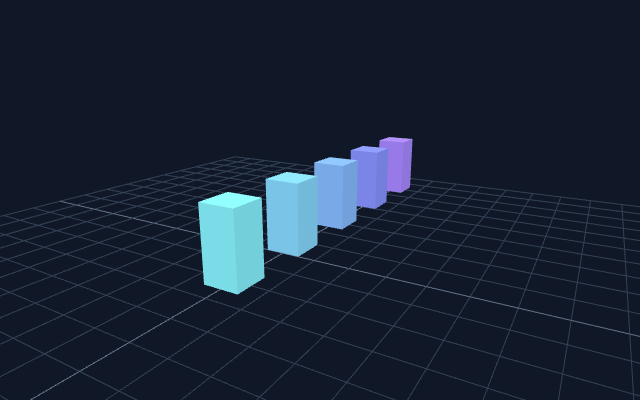
Foundations
Perspective & Orbit Controls
Frame a subject and constrain orbit controls without moving the scene.
Open lesson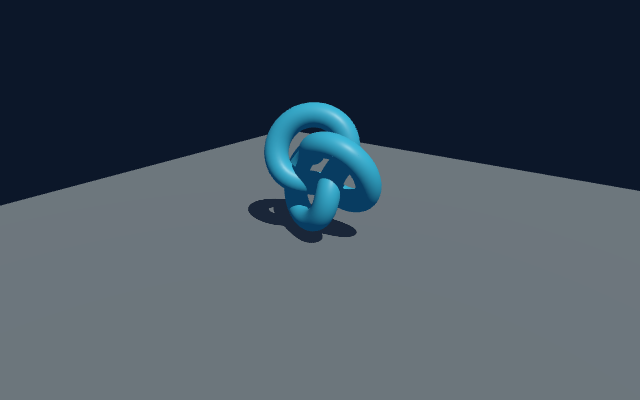
Light & surfaces
Lighting & Real Shadows
Connect a shadow-casting light, a casting mesh, and a receiving floor.
Open lesson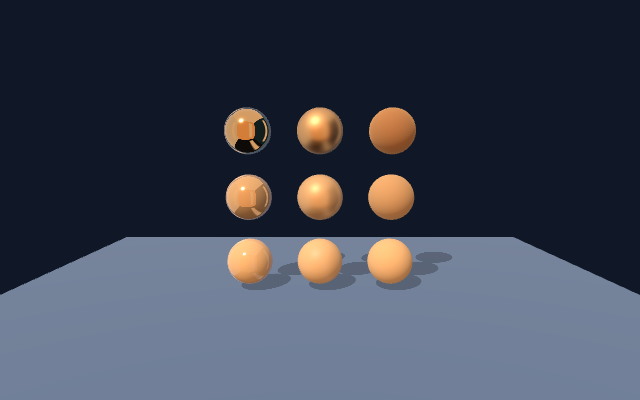
Light & surfaces
Material Gallery
Isolate roughness and metalness using identical spheres under identical lighting.
Open lesson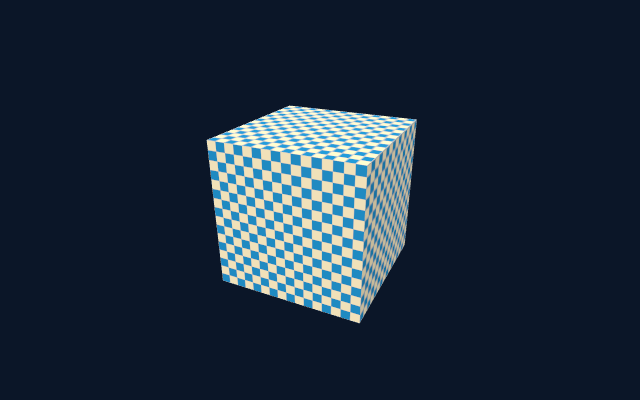
Light & surfaces
Textures & Color Space
Paint a local canvas texture and label its colors correctly for rendering.
Open lesson
Light & surfaces
Procedural Environment
Light a reflective object with six generated cube-map faces instead of an external HDR image.
Open lesson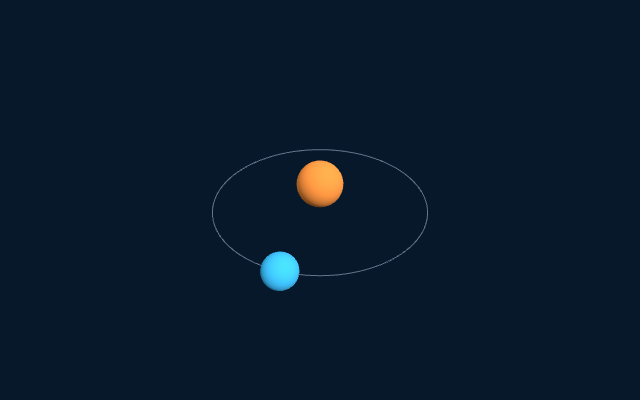
Animation & interaction
Frame-Rate Independent Motion
Move an object in units per second, not units per frame.
Open lesson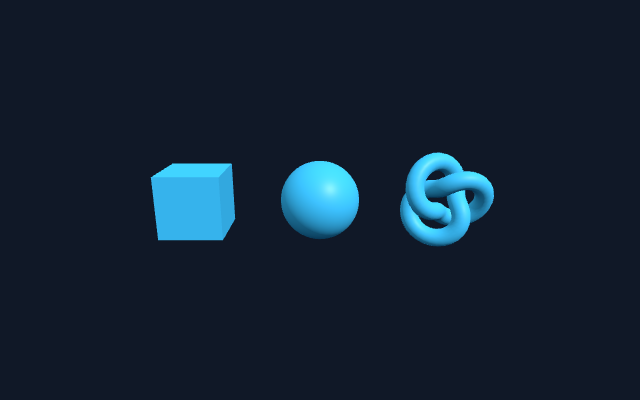
Animation & interaction
Raycast Picking
Turn a pointer position into a camera ray and identify the nearest mesh.
Open lesson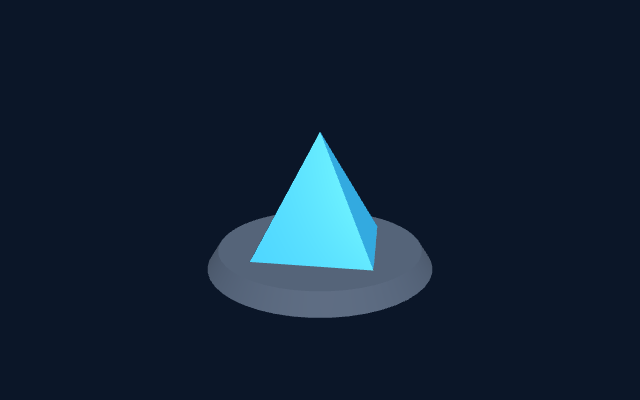
Assets & scale
Load a Local glTF Model
Load a real project asset with GLTFLoader and organize module code across files.
Open lesson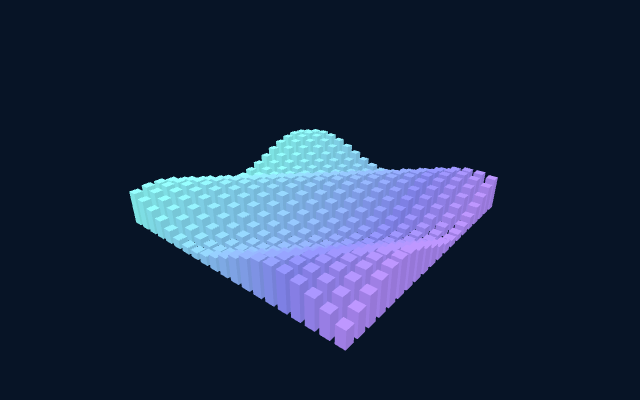
Assets & scale
Instanced Mesh Grid
Draw hundreds of repeated objects with one geometry and one material.
Open lesson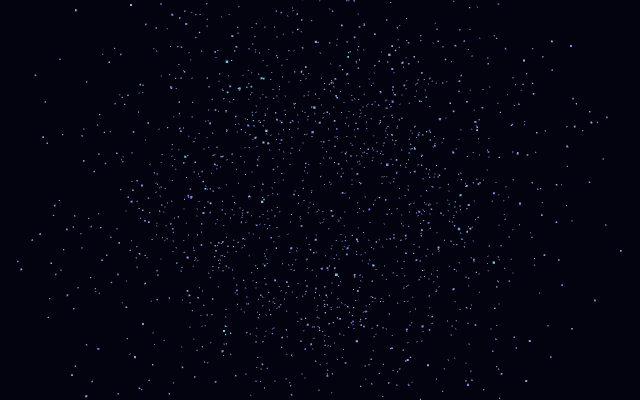
Assets & scale
Particle Field
Store many colored particles in BufferGeometry instead of creating a mesh per particle.
Open lesson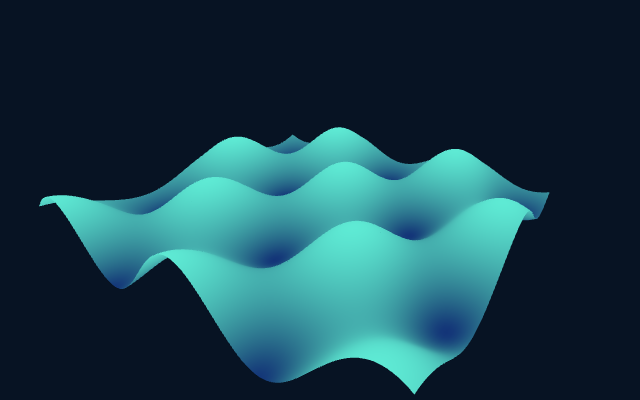
Shaders & effects
Write a Wave Shader
Displace vertices on the GPU and pass a height value to a fragment shader.
Open lesson
Shaders & effects
Postprocessing with Bloom
Render a scene through an effect pipeline and resize its offscreen targets with the viewport.
Open lessonAll starter assets are generated or included locally. Rendering needs a browser with WebGL 2; particle counts, shadows, and effects can cost more on mobile GPUs.