How to create ER diagram in MermaidJS
1. Install MermaidJS
You can install MermaidJS by including the MermaidJS library in your project or by installing it via npm.
2. Define the diagram
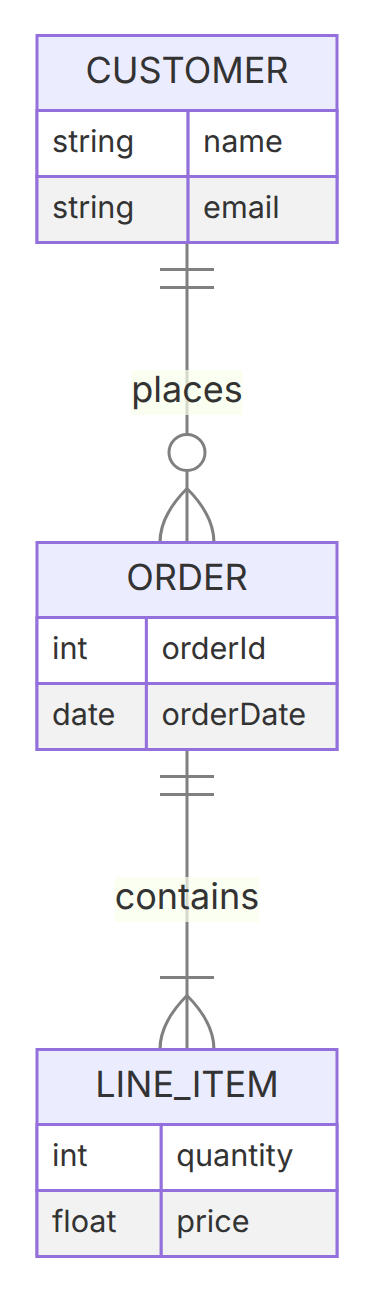
To create an ER diagram, start the definition with erDiagram. Connect entities with a relationship line using crow's-foot cardinality markers on each side, then optionally list each entity's attributes inside curly braces.
In this example, one CUSTOMER places zero or more ORDERs, and each ORDER contains one or more LINE_ITEMs.
3. Cardinality notation
The crow's-foot symbols on each end of a relationship line describe how many rows on that side can participate in the relationship:
| Cardinality | Syntax | Meaning | Preview |
|---|---|---|---|
| Exactly one | A ||--|| B | Exactly one row on this side (double bar) | 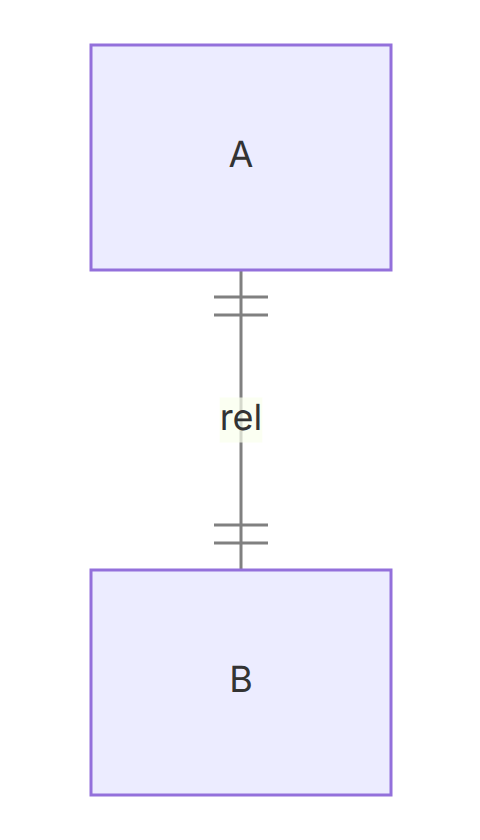 |
| Zero or one | A |o--o| B | Zero or one row on this side (bar + circle) | 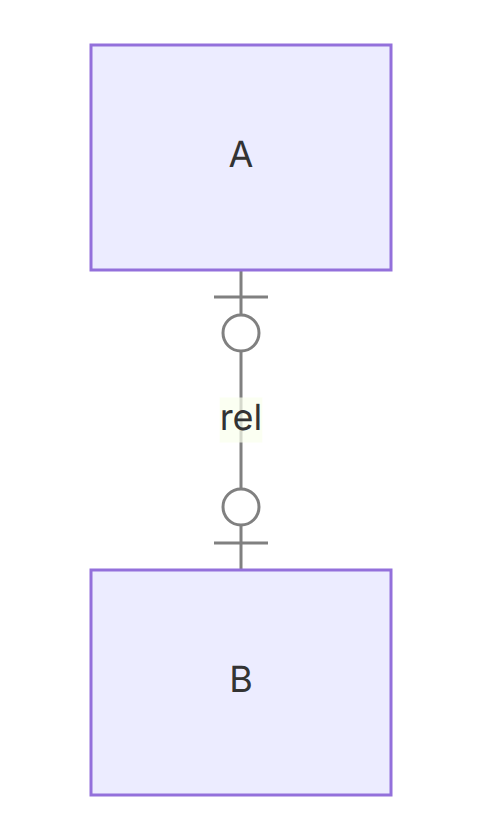 |
| Zero or more | A }o--o{ B | Zero, one, or many rows on this side (crow's foot + circle) | 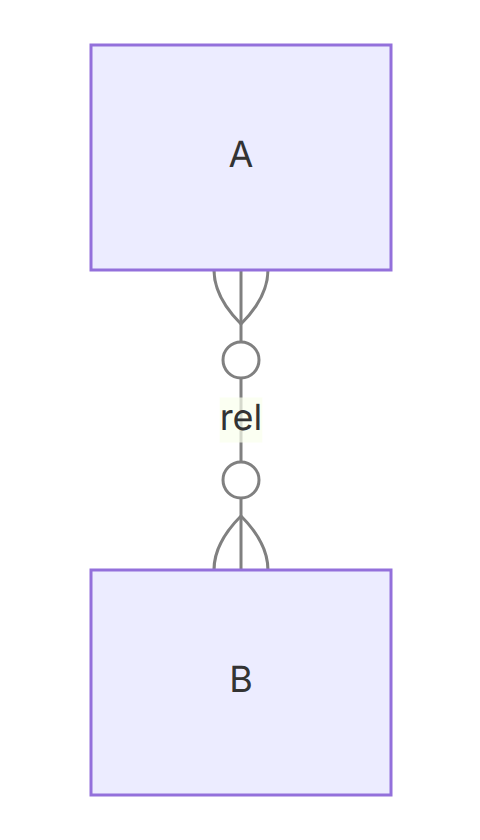 |
| One or more | A }|--|{ B | At least one, possibly many rows on this side (crow's foot + bar) | 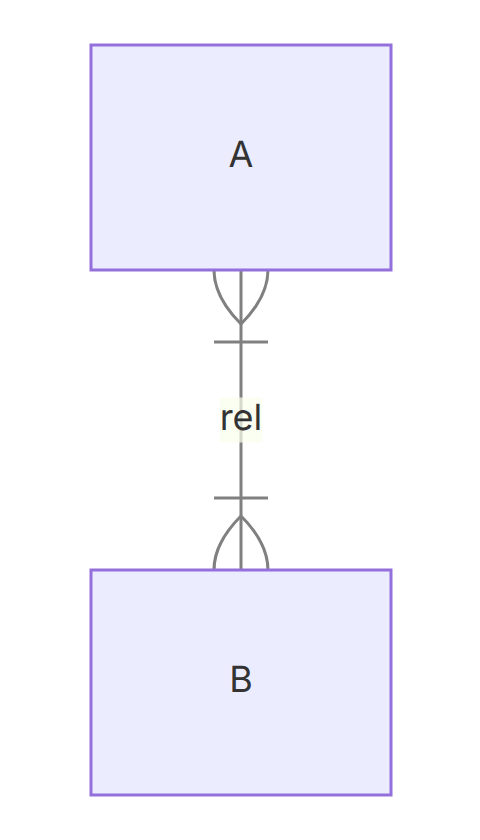 |
Read a relationship one direction at a time: start at an entity, travel along the line, and read the marker at the far end. In CUSTOMER ||--o{ ORDER, the o{ next to ORDER answers "how many orders per customer?", and the || next to CUSTOMER answers "how many customers per order?".
Required one-to-many vs optional one-to-many
These two diagrams differ by one character on the ORDER side, but they describe different business rules.
Required: every customer must have at least one order.
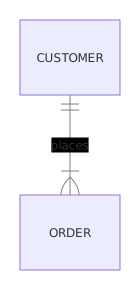
- Left to right: each CUSTOMER places one or more ORDERs (
|{). - Right to left: each ORDER is placed by exactly one CUSTOMER (
||).
Open the required one-to-many example in the playground
Optional: a customer can exist before placing any order, for example right after signing up.
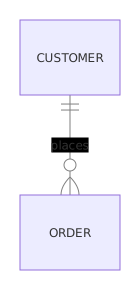
- Left to right: each CUSTOMER places zero or more ORDERs (
o{). - Right to left: each ORDER is still placed by exactly one CUSTOMER (
||).
Open the optional one-to-many example in the playground
The circle means "zero is allowed" and the bar means "at least one". If a new customer with no orders is valid in your system, use o{: writing |{ would claim a rule your data does not follow. To make the customer side optional too, for example guest-checkout orders with no account, change it to |o: CUSTOMER |o--o{ ORDER.
Many-to-many with a join entity
A student takes many courses, and a course has many students. Mermaid can draw that directly with crow's feet on both ends:
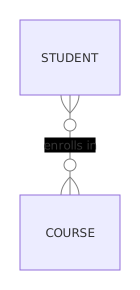
- Left to right: each STUDENT enrolls in zero or more COURSEs.
- Right to left: each COURSE has zero or more enrolled STUDENTs.
Open the many-to-many example in the playground
That is fine for a conceptual sketch, but a relational database stores it as a join table. Model the join as its own entity with two one-to-many relationships. The join entity is also where facts about the pairing belong, such as the term and grade:
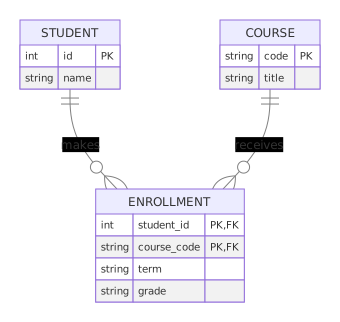
- Each STUDENT makes zero or more ENROLLMENTs; each ENROLLMENT belongs to exactly one STUDENT.
- Each COURSE receives zero or more ENROLLMENTs; each ENROLLMENT is for exactly one COURSE.
- The composite key (
student_id,course_code) stops the same student from enrolling in the same course twice. Addtermto the key if students can retake a course.
Open the join-entity example in the playground
4. Attributes and relationship labels
List each entity's attributes as type name pairs inside curly braces, as shown for CUSTOMER, ORDER, and LINE_ITEM above. Add an optional : label after a relationship (e.g. places, contains) to describe what the relationship represents.
5. Render the diagram
Once you have defined the diagram, you can render it on your webpage by including the MermaidJS library and calling the mermaid function with the diagram definition as a string. Here is an example of how to do this
You can use this MermaidJS Playground Link to explore that particular example.