Online OpenSCAD Editors Compared: DevToolsDaily vs OpenSCAD Playground vs openscad.cloud (2026)
All 3D printing tools and guides
You can run OpenSCAD in a browser tab now. The engine is compiled to WebAssembly, so the code, the render and the STL never leave your computer. Three sites do this, and they're more different than they look. We built the DevToolsDaily OpenSCAD Playground, so take this comparison with that in mind. We tested all three side by side in November 2026 and list the places where the official playground does better than ours.
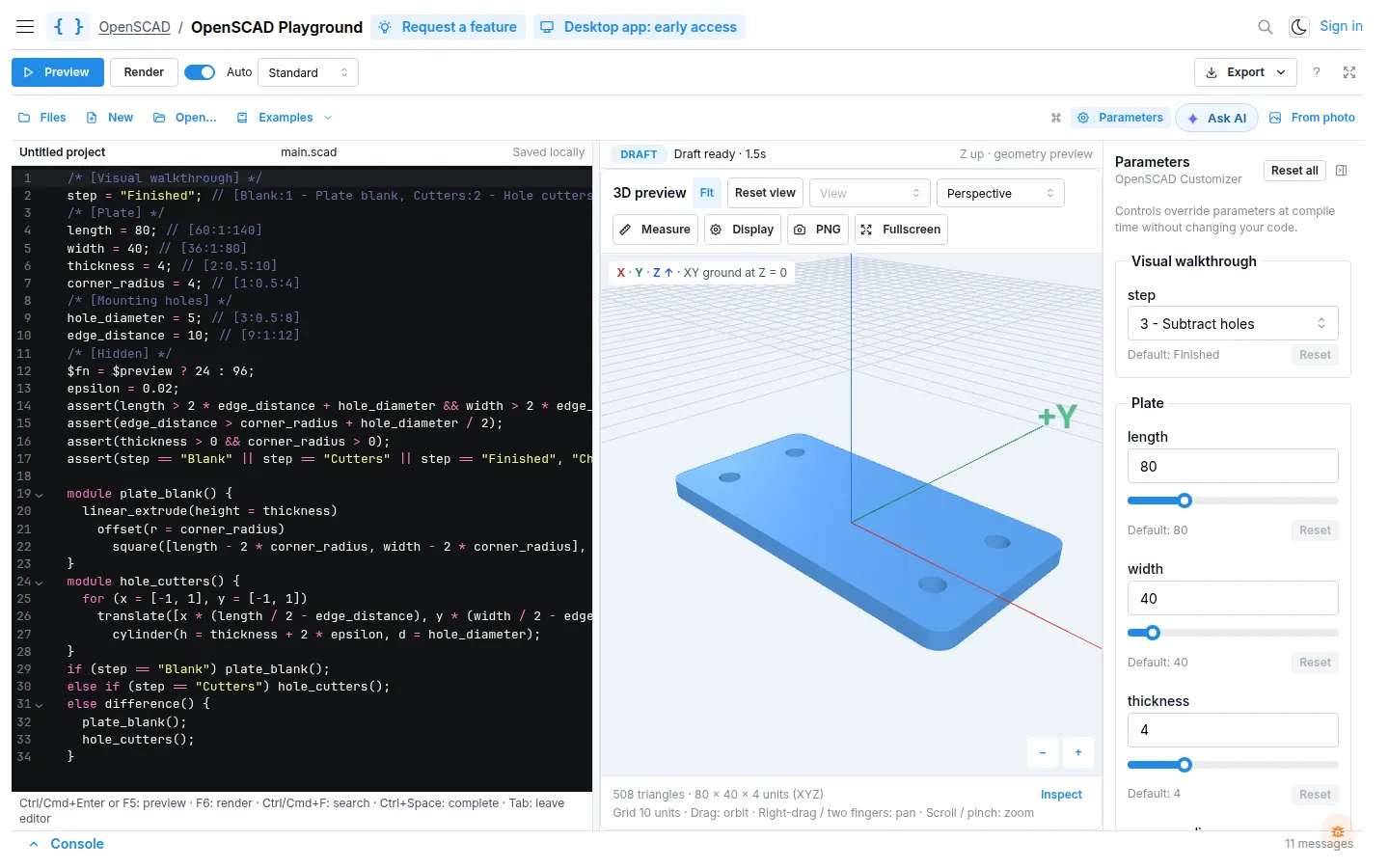
The three contenders
- DevToolsDaily OpenSCAD Playground: OpenSCAD with an AI assistant, guided lessons, measuring tools and a Customizer side panel.
- OpenSCAD Playground (official): the open-source playground from the OpenSCAD project. It's minimal, it bundles many libraries and it can be installed to work offline.
- openscad.cloud: an older online editor from Autodrop3d, built on an earlier WebAssembly port of OpenSCAD.
All three are free to open and need no install.
At a glance
| DevToolsDaily | OpenSCAD Playground (official) | openscad.cloud | |
|---|---|---|---|
| Engine | OpenSCAD 2025 WASM (Manifold), preview + render | OpenSCAD WASM (Manifold), auto preview | Older WASM port |
| AI help | Ask AI chat and Agent that edits your code; photo to model | Connect your own agent (MCP) | None |
| Learning | Interactive tutorial, 28 guided examples, cheatsheet, how-to guides | Example files, links to docs | Cheat sheet link |
| Customizer | Side panel next to the code: sliders, groups, reset per field | Separate Customize tab | Basic |
| 3D viewer | Measure, Inspect, view presets, ortho/perspective, size and triangle count, PNG | Clean viewer, AR "view in your space" | Wireframe or solid |
| Export | STL, 3MF and GLB with color, OBJ, .scad, project ZIP, open in slicer | STL, 3MF with material editing, GLB, OFF, .scad | STL |
| Libraries | BOSL2 and MCAD built in | About two dozen bundled (BOSL2, MCAD, BOSL and more) | Unknown |
| Saving | Saved in the browser, share links, My projects with sign-in sync | Project stored in the share URL, local storage | Share link, login |
| Offline / desktop | Desktop app in early access | Installable PWA, works offline | No |
| Embedding | No | Embed mode | No |
| Open source | No | Yes | Unknown |
Where the official playground wins
It's the official project, and it shows in a few places:
- Libraries. It bundles about two dozen popular libraries and lets you browse them in a file explorer, with autocomplete for
includepaths. We ship two: BOSL2 and MCAD, the library that comes with desktop OpenSCAD. They cover most models people paste in, but if your code uses a niche library you'll have to add its files to the project yourself. - Editor. It uses Monaco, the editor from VS Code, with a minimap and symbol autocomplete. Ours has autocomplete and keyboard shortcuts but is lighter.
- Offline, embed and AR. You can install it as a PWA and use it with no connection, embed a model in another page, or place the model in your room on a phone.
- Less on screen. It shows less at once, and its phone layout with Edit, View and Customize tabs is tidier than ours.
- Open source. If you want to self-host it or read the code, you can.
Where we're different (and why)
We built the playground for people who are learning OpenSCAD or want to get a printable part out of it quickly. We don't assume you already know the language.
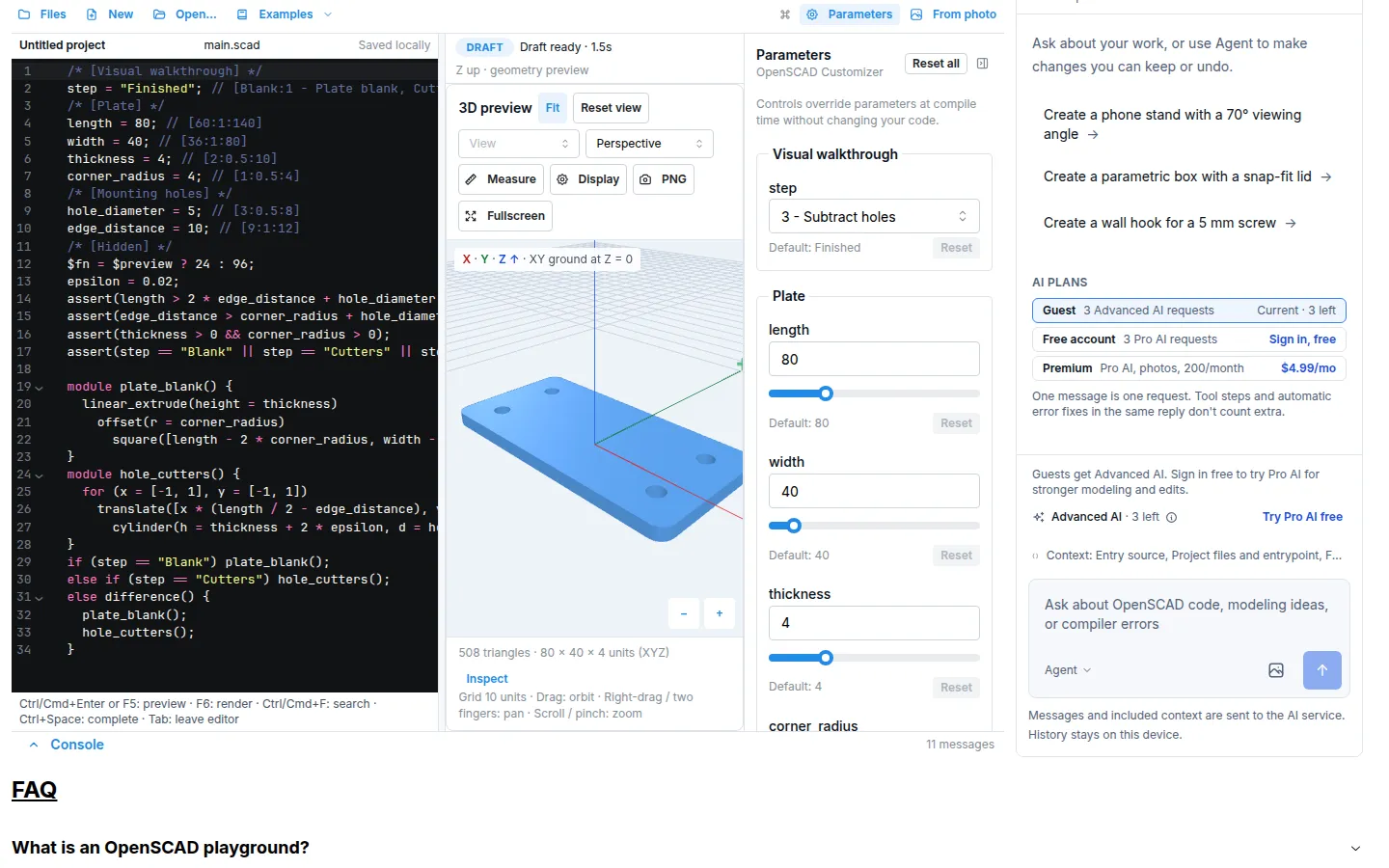
- An AI assistant that edits code you can check. Ask AI explains code and fixes compiler errors. In Agent mode it changes the model for you, and you can keep or undo each change. From photo turns a picture of a bracket or hook into a parametric model with named measurements. The official playground leaves AI to you: you connect your own agent through MCP.
- Learning built in. The interactive tutorial has short lessons with exercises that are checked as you go. Many of the 28 guided examples include a step slider that shows the model being built: the plate, then the cutters, then the finished part. There's also a cheatsheet and how-to guides for the questions beginners actually search for.
- The Customizer next to the code. Parameters appear as sliders beside the editor, and the preview updates as you drag. Each field shows its default and has a reset button. You don't switch tabs to try a size.
- Tools for checking a part before you print it. Measure distances on the model, inspect the dimensions and triangle count, switch between perspective and orthographic views, and save a PNG.
- More ways to get the model out. Download STL, 3MF or GLB (3MF and GLB keep your
color()calls), OBJ, the .scad source or a project ZIP. You can also send it straight to OrcaSlicer, Bambu Studio or Cura with Open in slicer.
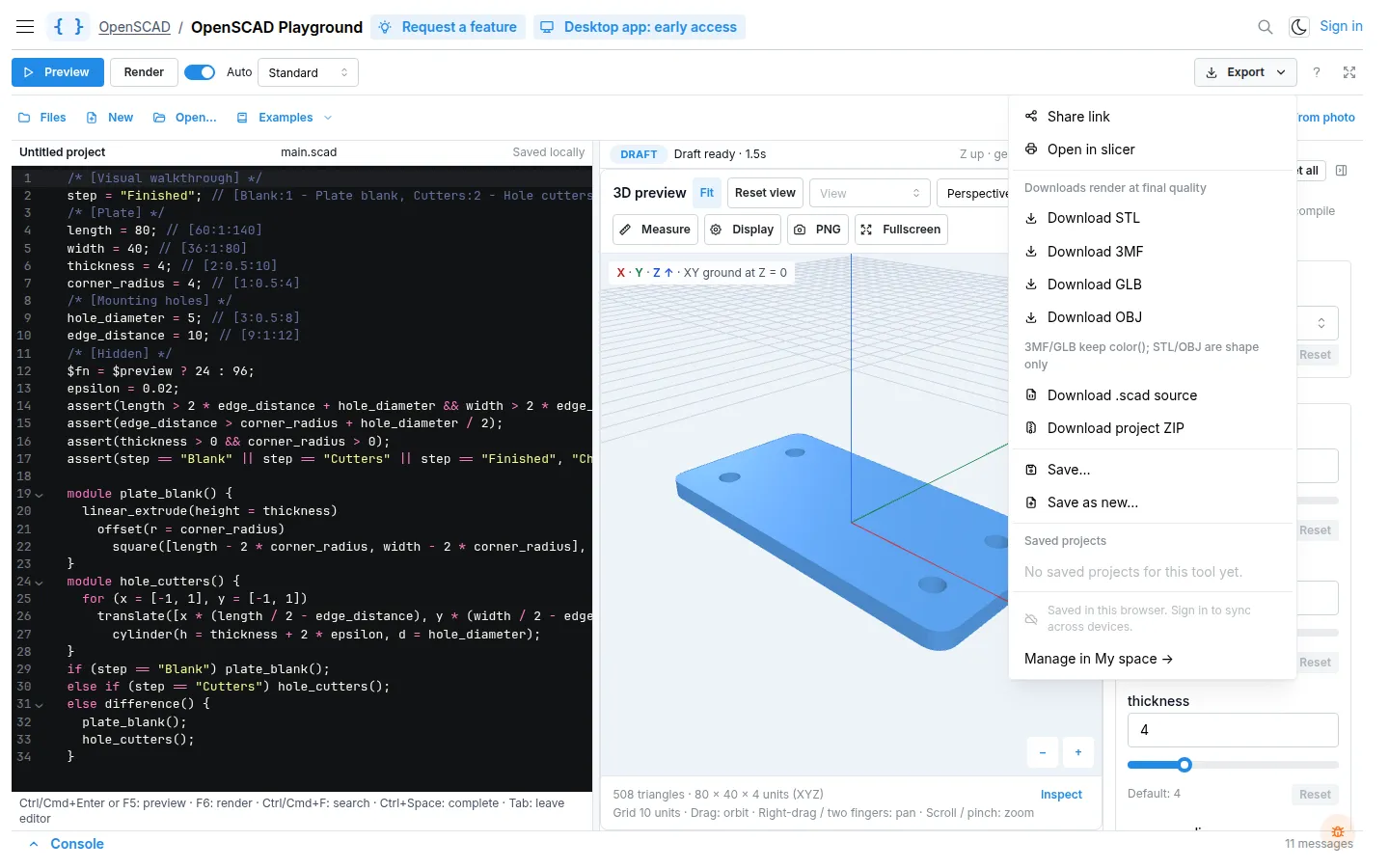
- Projects that follow you. Work is saved in your browser automatically. Sign in and your projects sync across devices under My space.
What about openscad.cloud?
openscad.cloud was one of the first sites to put OpenSCAD in the browser, and its landing page still loads. In our test in November 2026, though, the editor stayed on its loading spinner because a request to its backend failed. When it does work, it exports STL only and has a simpler viewer. Unless you already have scripts saved there, start with one of the other two.
Which one should you use?
- You want many libraries, offline use, embedding or open source? Use the official OpenSCAD Playground.
- You're learning OpenSCAD, want AI help, or want to measure and send a part to your slicer? Start with the DevToolsDaily OpenSCAD Playground.
- You have a .scad file and just need an STL? Use SCAD to STL. Open the file, adjust its parameters and download.
- Doing serious modeling? Desktop OpenSCAD is still the reference. Both playgrounds export your project as files that the desktop app opens.
New to 3D design? Read 3D Printing 101 to see where OpenSCAD fits next to slicers and other CAD software, and what the different file formats are.
FAQ
Is there an online version of OpenSCAD? Yes. Both the DevToolsDaily playground and the official OpenSCAD Playground run the real OpenSCAD engine in your browser through WebAssembly. Nothing is installed, and your code is rendered on your device.
Is the DevToolsDaily OpenSCAD Playground free? Yes. Editing, rendering, the Customizer, lessons and every export are free with no sign-up. The AI assistant includes a few free requests, and Premium adds more.
Can I use BOSL2 or MCAD online? Yes, in both playgrounds. In ours, MCAD loads automatically when your code uses it, and you turn BOSL2 on in the Files panel.
Can I move my project to desktop OpenSCAD later? Yes. Download the .scad source or a project ZIP and open it in desktop OpenSCAD.